Table of Contents
ToggleRecognizing the Signs of Roof Leaks
Roof leaks can lead to significant damage if not addressed promptly. Common indicators include water stains on ceilings, damp spots on walls, and mold growth. Early detection is crucial to prevent structural issues and costly repairs.
Common Causes of Roof Leaks
1. Pipe Boot Failure
Pipe boots seal the area where pipes penetrate the roof. Over time, materials like neoprene can crack due to UV exposure, leading to leaks. Replacing the damaged boot or installing a rubber collar can resolve this issue effectively.
2. Improperly Driven Nails
Nails that are not properly secured can back out, creating entry points for water. This often results from nails missing the roof decking or being driven at incorrect angles. Correcting this involves resecuring or replacing the nails and sealing the area.
3. Damaged or Missing Flashing
Flashing directs water away from critical areas like chimneys and vents. If flashing is damaged, improperly installed, or missing, it can lead to leaks. Repairing or replacing the flashing and ensuring proper sealing can prevent water intrusion.
4. Clogged Gutters
Gutters blocked by debris can cause water to back up and seep under the roof. Regular cleaning and maintenance of gutters ensure proper drainage and reduce the risk of leaks.
5. Skylight Issues
Improper installation or deterioration of skylights can result in leaks. Ensuring skylights are correctly installed and maintained can help prevent this problem.
6. Ice Dams
In colder climates, ice dams can form at the roof’s edge, preventing melting snow from draining. This water can then seep under shingles, causing leaks. Proper insulation and ventilation in the attic help reduce the formation of ice dams.
7. Aging Roofing Materials
Over time, roofing materials deteriorate due to weather exposure. Regular inspections and timely replacement of worn materials can prevent water intrusion.
Addressing Roof Leaks
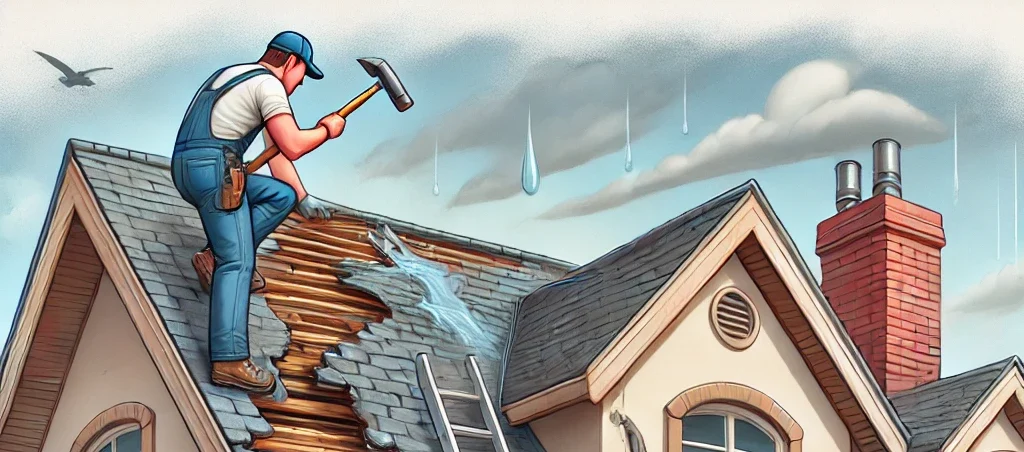
When a leak is identified, it’s essential to act quickly. Delayed repairs can lead to rot, mold, and internal damage. Professional roofers can assess the damage, identify the source, and perform necessary repairs to restore the roof’s integrity. For trusted service in the area, consider expert help with roof repairs Melbourne. Using high-quality materials and following best practices ensures long-lasting results.
Preventative Measures
Regular roof inspections, especially after severe weather, can identify potential issues early. Maintaining clean gutters, ensuring proper attic insulation, and addressing minor wear and tear promptly help extend a roof’s lifespan and reduce the likelihood of leaks.
Taking Proactive Steps
Understanding common leak causes and fixing them swiftly protects your home. Consistent maintenance and timely interventions keep roofing systems effective and durable. Prevention saves on repairs and preserves your home’s structure.